
Download NeroVision Express – Video Conversion, DVD Creation, VCD, SVCD, Media Tool
Overview
NeroVision Express is a mobile application designed to simplify the process of video conversion and DVD authoring for personal media projects. Its primary purpose is to enable users to convert home videos, movies, and animations into widely supported formats such as VCD, SVCD, and DVD. This functionality addresses the common challenge of compatibility across different playback devices, particularly older DVD players or multimedia systems that do not support modern video codecs. The app is especially useful for individuals looking to archive personal footage, prepare video content for family events, or create shareable physical media for non-digital environments.
Target users include home users, digital archivists, and those managing personal video libraries who seek a straightforward tool for media preparation. The app’s three-step workflow is engineered to be accessible to users of all experience levels, minimizing technical barriers. Although the developer did not provide additional background information, the application is part of a broader multimedia suite historically associated with Nero, a well-known name in digital media software. The importance of NeroVision Express lies in its role as a lightweight yet functional utility within the mobile app ecosystem, offering a niche solution for legacy media compatibility and physical media creation.
Key Features & Functionality
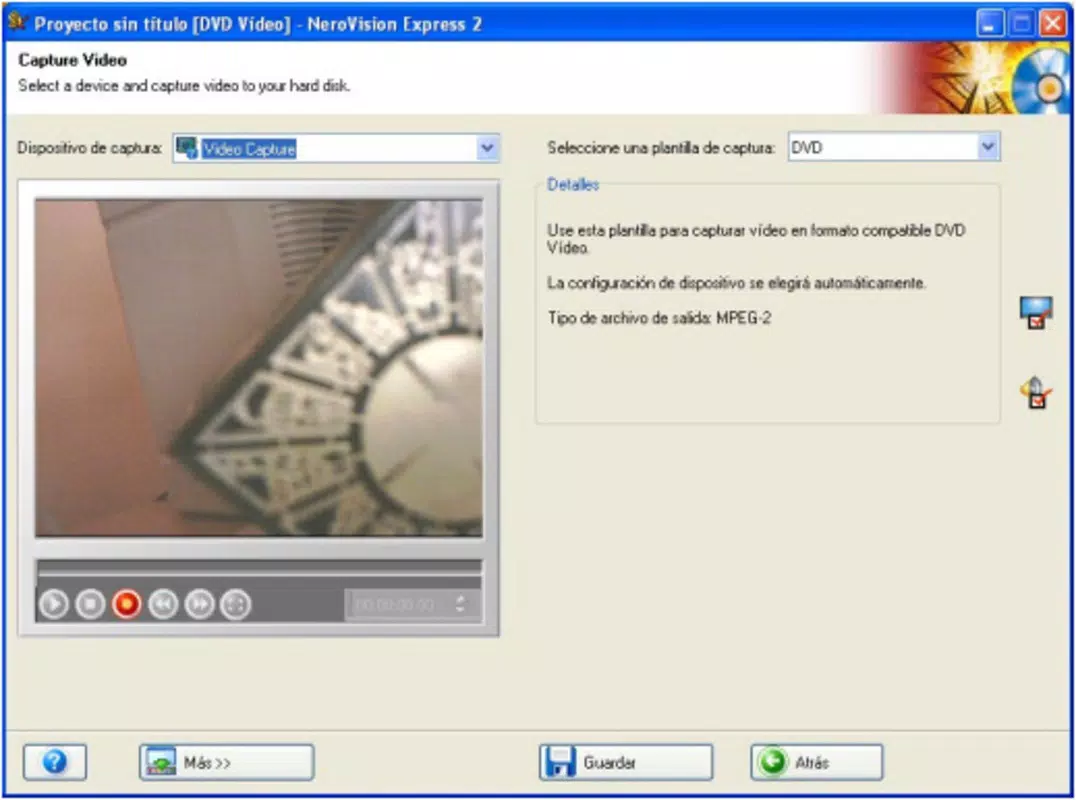
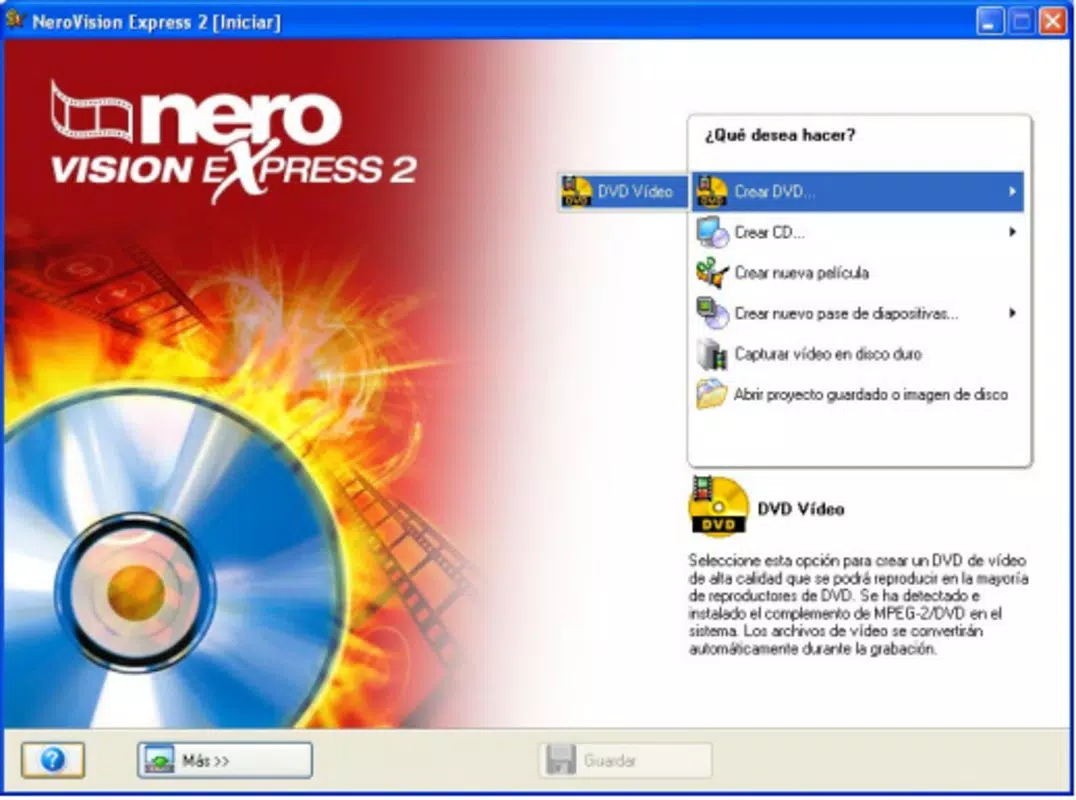
- Three-Step Conversion Process: The app streamlines video conversion into a simple workflow: select a video file, choose the desired output format (VCD, SVCD, or DVD), and start the conversion with a single click. This reduces user effort and eliminates the need for complex settings.
- Multi-Format Output Support: NeroVision Express supports multiple standard video formats, ensuring compatibility with a wide range of playback devices, including older DVD players, car stereos, and home entertainment systems.
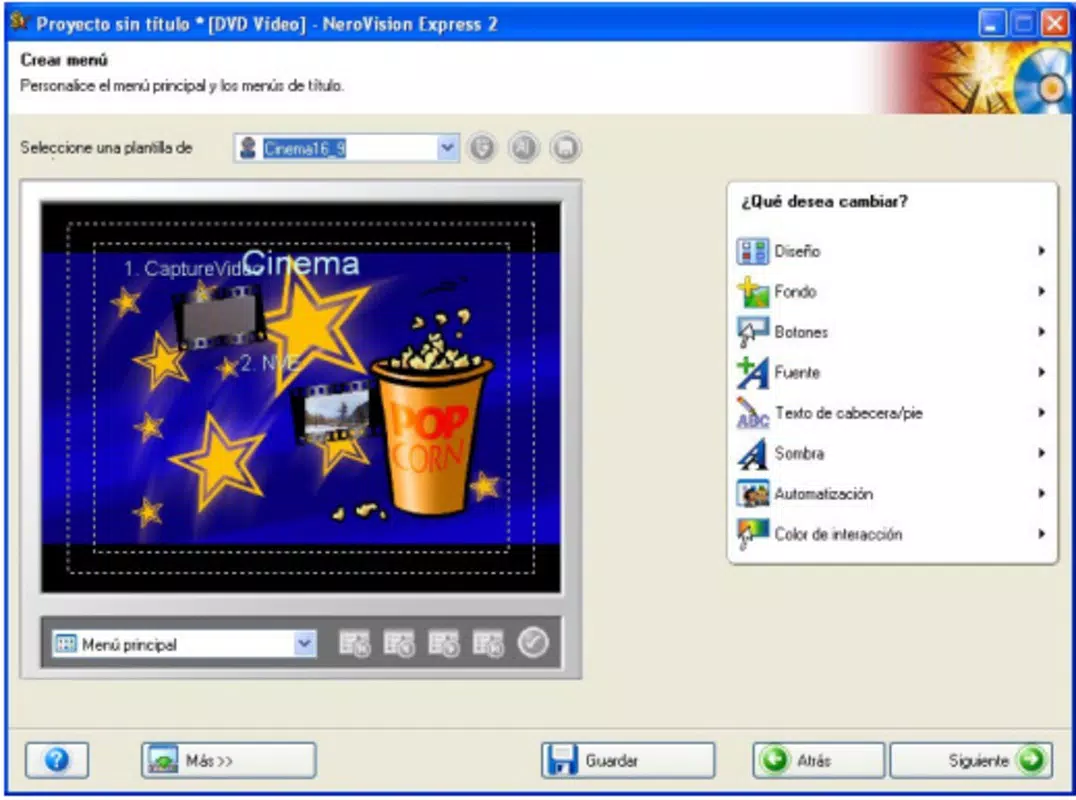
- Custom DVD Menu Creation: Users can design personalized DVD menus using pre-built templates or create custom layouts with buttons, backgrounds, and navigation elements. This feature enhances the professionalism and usability of the final product.
- Integrated Multimedia Tools: The application includes additional utilities such as Nero Recode 2 for advanced encoding, Nero ShowTime 2 for playback, and Nero PhotoSnap for basic photo editing, forming a cohesive suite for managing digital media.
- Intuitive User Interface: The clean layout and logical navigation guide users through each step, reducing confusion and minimizing the learning curve for new users.
For example, a user preparing a birthday video for a family gathering can use the app to convert a high-resolution file into DVD format, apply a custom menu with photos and music, and burn it to disc—all within a few minutes. This real-world application demonstrates the app’s practicality in personal and social contexts.
Interface, UX & Performance
The user interface of NeroVision Express is designed with simplicity and clarity in mind. The layout follows a linear, step-by-step structure that aligns with the three-step conversion process, ensuring users are never overwhelmed by options. Visual cues, such as progress indicators and clearly labeled buttons, enhance usability across different screen sizes and device types.
Navigating between features is intuitive, with consistent placement of controls and minimal on-screen clutter. The app maintains a clean aesthetic that prioritizes function over decorative elements, which supports efficient task completion. Although the developer did not list formal performance metrics, the application’s lightweight nature suggests it runs smoothly on mid-range devices. Responsiveness appears to be consistent, with minimal lag during file selection, conversion, and menu customization.
Stability is likely maintained through the app’s focused scope—handling only video conversion and DVD authoring—reducing the risk of crashes. However, specific requirements for device memory, processing power, or storage were not disclosed, so users should ensure their device can handle video encoding tasks. Overall, the UX is optimized for accessibility, making it suitable for both casual users and those with limited technical knowledge.
Platform Compatibility & Technical Requirements
NeroVision Express is available on the Android platform. The software version is not specified in the provided information, nor is the exact file size. The developer did not provide minimum OS requirements or compatibility details for specific device models.
Given its nature as a video conversion tool, the app likely requires sufficient storage space to handle temporary files during encoding and sufficient processing power to manage video rendering. However, specific technical specifications were not listed. Users should verify that their device meets the basic requirements for running multimedia applications, especially when dealing with high-resolution video files.
Pros and Cons
Pros
- Simple three-step conversion process ideal for beginners.
- Supports widely used formats including VCD, SVCD, and DVD.
- Offers tools for creating custom DVD menus with templates and design options.
- Part of a larger multimedia suite with additional utilities included.
- Intuitive interface designed for ease of use and quick learning.
Cons
- Specific system requirements and compatibility details were not disclosed.
- No information on app updates or developer support timeline.
- May not support newer video codecs or formats beyond legacy standards.
- File size and version details are not available for user reference.
- Limited availability of user feedback or third-party reviews.
FAQ
Is NeroVision Express free to download and use?
The pricing information was not provided. Users should check the official app store listing for current pricing and availability.
Can I use NeroVision Express on iOS devices?
The platform availability was not confirmed. The app is known to be available on Android, but no details were given about iOS compatibility.
What video formats can NeroVision Express convert?
The app supports conversion to VCD, SVCD, and DVD formats. It is designed for compatibility with standard playback devices.
Does NeroVision Express require an internet connection?
Based on the provided information, no internet connection is required for core conversion and DVD creation functions. However, updates or additional features may require connectivity.
How do I create a custom DVD menu?
NeroVision Express includes tools to design custom menus using pre-built templates or by creating personalized layouts with buttons and backgrounds.
Final Thoughts + CTA
NeroVision Express stands out as a focused, user-friendly tool for those seeking to convert videos into standard DVD or VCD formats. Its streamlined workflow, combined with the ability to create custom DVD menus, makes it a valuable utility for personal media projects. While the app lacks detailed technical specifications and modern feature updates, its core functionality remains relevant for users working with legacy formats or preparing physical media for family and events.
Though not suited for advanced video editing or modern codec support, it excels in its niche—delivering a reliable, straightforward solution for video conversion and DVD authoring. The inclusion of additional tools like Nero Recode 2 and Nero ShowTime 2 enhances its value as part of a broader multimedia ecosystem.
For users who need a secure, easy-to-use app for creating shareable video discs, NeroVision Express remains a practical choice. Download NeroVision Express now to transform your videos into playable DVDs with minimal effort.


